
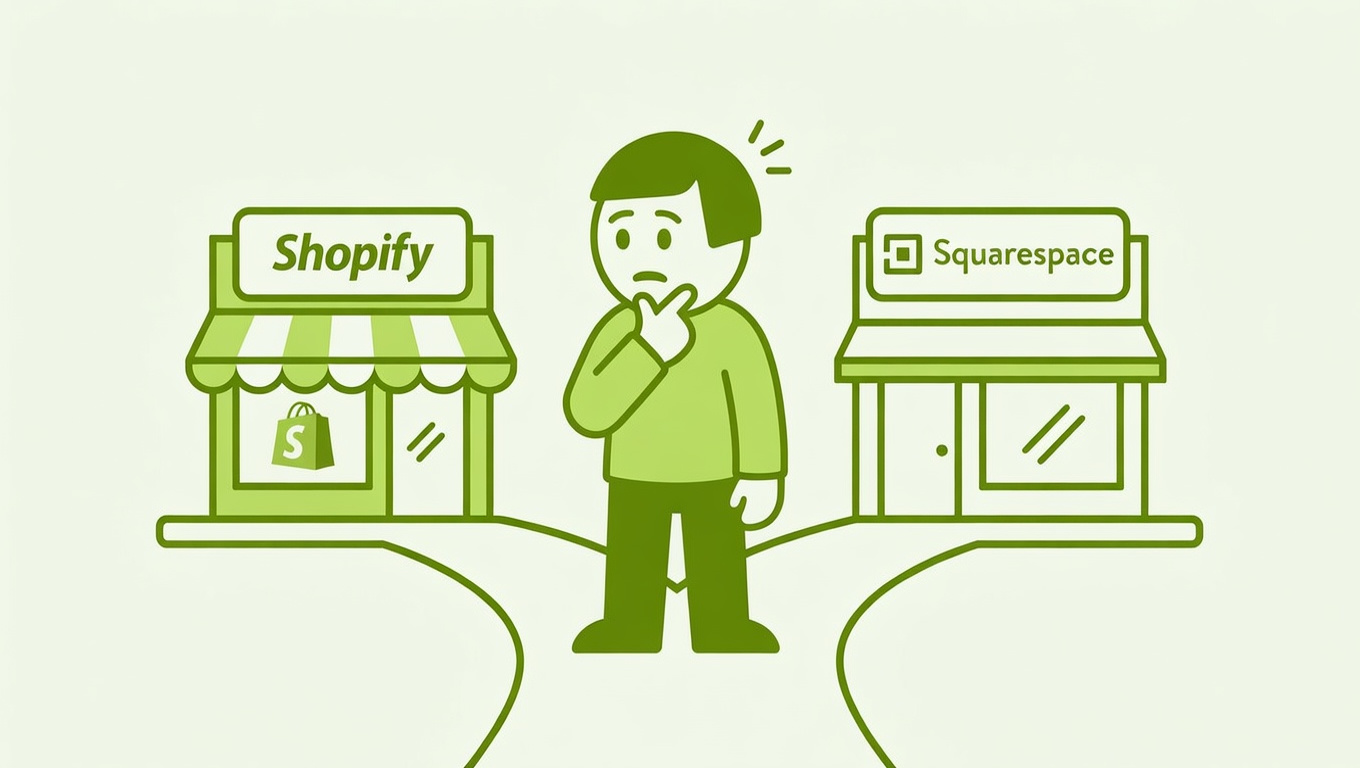

You already know Squarespace. The interface is familiar, the templates are gorgeous, and you could probably launch a site this weekend if you wanted to. So the question feels almost cruel: should you set aside that comfort and start over on Shopify?
If selling products is your primary goal — not just a side feature of a portfolio or blog — the honest answer is yes, start on Shopify. Here’s why, broken down practically.
The Core Difference Nobody Talks About Enough
This isn’t just about features. It’s about what each platform was built to do.
Shopify was built from the ground up as an ecommerce platform — its entire DNA is around selling products, processing payments, and scaling stores. Squarespace started as a beautiful website builder and added ecommerce as a secondary feature later on. That origin shapes every corner of the product, from the checkout flow to the app ecosystem.
A useful way to think about it: Shopify is an ecommerce platform that can build websites. Squarespace is a website builder that can sell products. For a business where selling is the whole point, that distinction matters enormously.
Pro tip: The pain of learning a new platform upfront is almost always smaller than the pain of migrating a live store — with real customers, orders, and SEO equity — down the road.
Practical Differences That Actually Affect Your Day-to-Day
Checkout & Conversion
Shopify’s checkout is engineered to convert. It supports express checkout via Shop Pay, gift cards, discount codes, and local pickup — all built in. According to Shopify’s own data, its checkout lifts conversion by 15% on average compared to standard checkouts. Squarespace’s checkout is functional, but it doesn’t come close to this level of optimization out of the box.
Abandoned Cart Recovery
This one is surprisingly important for a small store. Every Shopify plan includes abandoned cart recovery emails automatically. On Squarespace, this feature is locked behind the Commerce Advanced plan at $65/month. For a store hoping to hit 300–500 orders a month, recovering even a fraction of abandoned carts can be a meaningful revenue difference.
International Selling
You mentioned wanting to ship abroad. This is where the gap becomes very real. Shopify has a built-in Markets feature for multi-currency selling and multilingual storefronts. Squarespace, by contrast, does not support multi-currency selling natively — customers in other countries see prices in your base currency only. If international sales are part of your plan, Shopify is the clear choice.
Payment Gateways
Squarespace limits you to five payment processors: Squarespace Payments, Stripe, PayPal, Square, and Afterpay. Shopify supports over 100 payment gateways worldwide, including region-specific options that matter in markets with strong local payment preferences. And when you use Shopify Payments, there are no additional transaction fees — a meaningful advantage as your order volume grows.
Apps & Integrations
Squarespace’s extension marketplace has around 38 apps. Shopify’s app store has over 8,000. That’s not a rounding error — it’s a fundamentally different ecosystem. Need subscriptions, loyalty programs, advanced product filters, shipping automation, or upsells? On Shopify, there’s a purpose-built app for each. On Squarespace, you’re largely limited to what the platform builds natively.
Inventory Management
For 50–75 products, both platforms handle the basics fine. But Shopify’s inventory tools go considerably deeper — with detailed sell-through rates, ABC product analysis, up to 2,000 product variations, and multi-location inventory tracking. As your catalog or complexity grows, you’ll feel the difference.
Where Squarespace Genuinely Wins
Fairness matters here. Squarespace isn’t a bad platform — it’s just the wrong tool if ecommerce is your primary goal.
| Feature | Squarespace | Shopify |
|---|---|---|
| Design & templates | ✅ Best-in-class | ✅ Ecommerce-optimized |
| Blogging & content | ✅ Excellent | ⚠️ Basic |
| Ease of setup | ✅ Faster out of the gate | ⚠️ Slight learning curve |
| Ecommerce features | ⚠️ Limited | ✅ Comprehensive |
| App ecosystem | ⚠️ ~38 apps | ✅ 8,000+ apps |
| International selling | ❌ No multi-currency | ✅ Built-in Markets |
| Abandoned cart (all plans) | ❌ Advanced plan only | ✅ All plans |
| Transaction fees | ⚠️ 3% on Business plan | ✅ None with Shopify Payments |
If content and storytelling are the core of your business — think a consultant who sells a course on the side, or a photographer with a small print shop — Squarespace can be the smarter fit. But if you’re launching a product-first store with ambitions to grow, Squarespace’s simplicity will start to feel like a ceiling.
“But My Store Is Small — Does This Even Apply to Me?”
This is the most common hesitation, and it deserves a direct answer.
A catalog of 50–75 products is manageable on both platforms. At that scale, Squarespace won’t fall apart. The question isn’t whether Squarespace can handle your store today — it’s whether it will handle the store you want to build in 12 or 24 months.
Migrating from Squarespace to Shopify after you’re live means transferring product data, rebuilding your store design, re-doing your SEO configuration, updating any links or integrations, and — critically — doing all of this while your store is still expected to take orders. That’s a real project, not a weekend task.
Starting on Shopify has a learning curve, but it’s a one-time investment. The platform’s onboarding is built for non-developers, and Shopify’s 24/7 support is available on all plans via chat.
Pro tip: Use Shopify’s free trial to build out your store before committing. You don’t need to launch immediately — get familiar with
Products,Settings → Shipping and delivery, andMarketing → Automationsbefore you go live.
The Honest Bottom Line
If you already know Squarespace and your ecommerce needs are genuinely light — a few products, domestic sales only, no plans to scale — launching there isn’t a disaster. You can always add the Shopify Buy Button to your Squarespace site later, which lets you manage products through Shopify while keeping your existing Squarespace design.
But if you’re building a real product business with international ambitions, any reasonable order volume, and a plan to grow? Start on Shopify. The short-term discomfort of learning a new platform is far less painful than rebuilding a live store later — and you’ll have access to the tools you’ll actually need when the orders start coming in.