
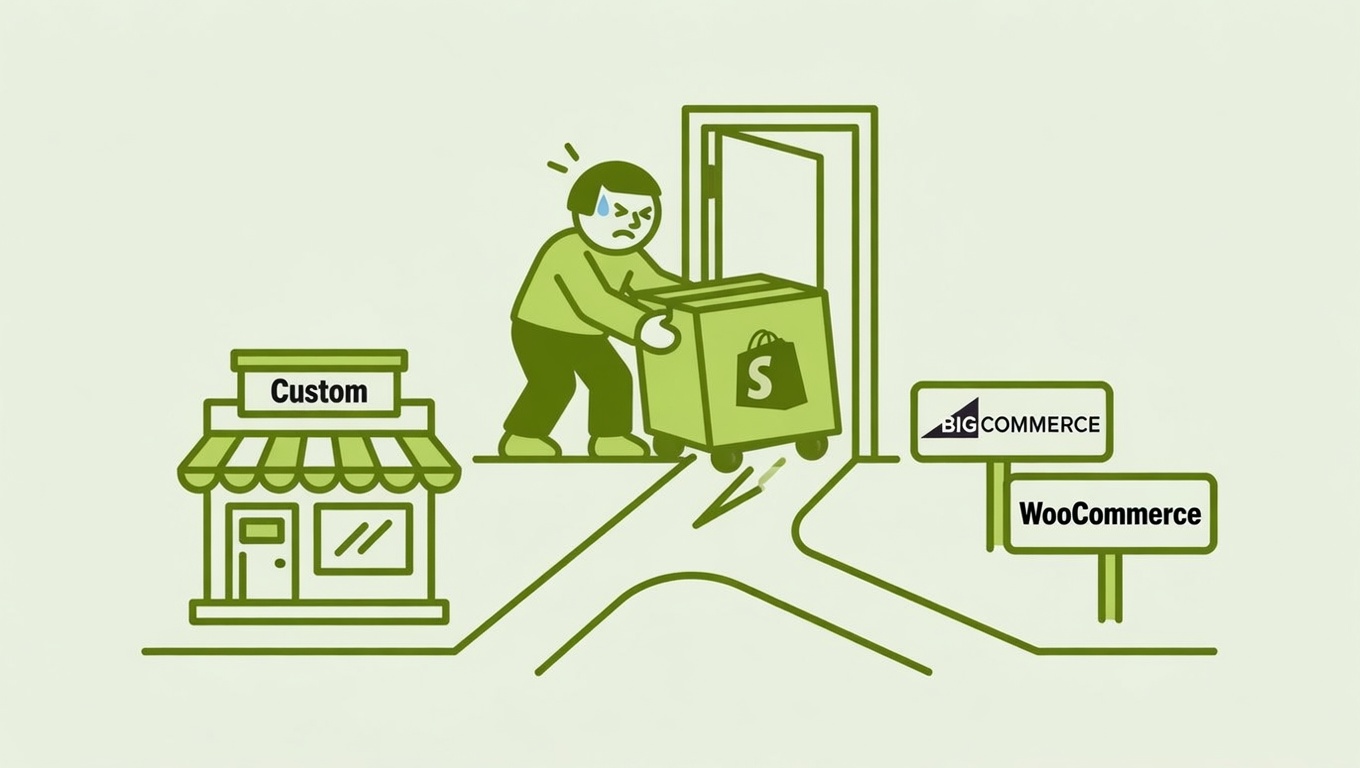

Frustration with Shopify is real — and it’s not just you. As brands grow, the cracks start to show: customer support that doesn’t respond, transaction fees that quietly stack up, and platform decisions that feel like they were made for generic dropshippers, not serious businesses running wholesale and retail channels simultaneously.
If you’ve been seriously considering cutting ties and building your own ecommerce infrastructure from scratch, this is the honest breakdown you need before you commit.
The Real Question: Scratch Build or New Platform?
Before you call a development agency, you need to make one fundamental decision: do you want to build something completely custom, or do you want to move to a different managed platform?
These two paths look similar on paper but are wildly different in cost, timeline, and ongoing ownership.
Path 1: Full Custom Build
Building from scratch means hiring developers to design and code your storefront, cart logic, checkout, inventory management, payment processing, and every edge case in between — nothing is provided for you.
The costs are significant. Custom ecommerce website development in 2025 ranges from $5,000 for a basic site to $150,000+ for an enterprise-grade platform, depending on features, complexity, and where your developers are based. If you run both wholesale and retail channels with tiered pricing, B2B account management, and ERP integration, expect to start budgeting at the $40,000–$100,000+ range just for the build.
Design alone isn’t cheap. A custom UI/UX build with original wireframes, brand-specific components, and mobile-first layouts typically runs $5,000 to $25,000. That’s before a single product page is coded.
And then there’s the ongoing cost. Once the site is live, you’re responsible for hosting, security patches, PCI compliance, and every bug fix. On a custom platform, that means annual audits, quarterly vulnerability scans, manual patching cycles, and specialized staff. None of that is bundled — it’s all on you.
Warning: Many brands underestimate the ongoing cost of a custom build. The initial build fee is just the beginning. Developer retainers, hosting infrastructure, and emergency fixes can run $3,000–$10,000+ per month for a mid-sized ecommerce operation.
Path 2: Migrate to a Different Platform
For most established brands, migrating to a different managed platform is the more realistic and cost-effective move. You get more control than Shopify offers, without taking on the full burden of infrastructure ownership.
The Sticking Points Nobody Warns You About
Whether you’re going custom or switching platforms, several challenges will slow you down and add cost. Plan for them now.
Your Data is Harder to Move Than You Think
Product data, customer records, and order history all need to migrate. For brands with large catalogs (1,000+ SKUs) or complex product relationships, this alone gets expensive fast. Customer passwords cannot be migrated for security reasons — your buyers will need to reset them, so plan a proper communication campaign around this.
App data — reviews, loyalty points, subscription records — lives inside third-party apps, not your core platform. Each of these needs to be migrated separately, tool by tool.
SEO Risk is Real
Every URL change is a potential traffic loss. If your current site has years of link equity and rankings, a botched migration can wipe out months of organic traffic. This requires careful redirect mapping and monitoring post-launch — and typically needs a specialist involved.
Your Integrations Will Break
If you’ve built connections between your store and an ERP, 3PL, CRM, or wholesale portal, those integrations were built around your current platform’s data structure. On a new stack, each one requires rebuilding. The more tightly integrated your operations are, the more expensive this gets.
Pro tip: Map out every system that touches your store before scoping a migration — shipping software, accounting tools, wholesale portals, POS systems, email platforms. Each one is a line item in your migration budget.
Platform Alternatives Worth Considering
If a managed platform is the right move (which it is for most brands under $10M in annual revenue), here’s how the main alternatives stack up for a business running both wholesale and retail.
BigCommerce
BigCommerce is arguably the strongest out-of-the-box alternative for brands that need both B2B and B2C capability. It includes features like customer group pricing, quote systems, and bulk ordering natively — functionality that requires multiple paid apps on other platforms. Its Multi-Storefront feature lets you run separate wholesale and retail storefronts from a single account, which is genuinely useful for brands managing two distinct buyer journeys.
BigCommerce also charges zero transaction fees on all plans, handles Level 1 PCI compliance automatically, and offers 49+ payment gateways without add-ons.
| Feature | BigCommerce | WooCommerce |
|---|---|---|
| Hosting & security | Managed (included) | Self-managed |
| B2B pricing tiers | Native, no plugins | Requires paid plugins |
| Transaction fees | $0 on all plans | Depends on gateway |
| Multi-storefront | Yes (native) | No (plugin required) |
| PCI compliance | Automatic (Level 1) | Manual setup |
| Support | 24/7 phone/email/chat | Community-based |
The trade-off: BigCommerce has a steeper learning curve than Shopify, and its theme selection is smaller. Plans start at around $39/month, scaling by revenue tier.
WooCommerce
WooCommerce is an open-source plugin for WordPress, and it gives you the most flexibility of any managed option — essentially, you can build anything if you have the developer time. It’s genuinely excellent for content-heavy brands where SEO and editorial content are a growth lever, since it shares a platform with WordPress, the strongest CMS in the world.
The catch: WooCommerce is free to install, but you’re responsible for hosting, security, performance tuning, and every plugin conflict that surfaces. For a brand running wholesale pricing across thousands of SKUs, managing those pricing plugins can become a significant maintenance burden.
Think of it this way — WooCommerce is the right choice if you already have a technical team or a reliable agency partner. If not, you’re trading one set of problems for another.
Adobe Commerce (Magento)
This is the enterprise path. Adobe Commerce is built for large product catalogs, multi-store setups, advanced B2B features, and businesses with internal dev teams. It’s powerful, but it is not a realistic option for a business without a dedicated technical team. Implementation costs regularly exceed $100,000, and ongoing maintenance is significant.
What Does It Actually Cost?
Here’s a realistic cost snapshot for a brand making the move:
| Approach | Initial Build Cost | Ongoing Monthly |
|---|---|---|
| Full custom build | $40,000–$150,000+ | $3,000–$10,000+ |
| BigCommerce migration | $5,000–$30,000 | $39–$299/mo + apps |
| WooCommerce migration | $5,000–$25,000 | $100–$500/mo hosting/plugins |
| Adobe Commerce | $100,000+ | $2,000–$5,000+/mo |
Migrating to a new managed platform — not a full custom build — typically costs $500–$5,000 for a small store and $10,000–$50,000 for a mid-to-large operation, with timelines running 2–6 weeks depending on catalog size and complexity.
Before You Pull the Trigger
Leaving any platform is a serious undertaking. Before you sign anything with an agency or developer, work through this checklist:
- Audit your integrations. List every tool that connects to your store and get quotes for rebuilding each connection.
- Export and clean your data. Product data, customer records, and order history all need to be cleaned and reformatted for a new platform.
- Map your current URLs. Every existing URL that has traffic needs a redirect plan — no exceptions.
- Define your wholesale requirements precisely. Tiered pricing, customer-specific catalogs, quote workflows, net terms — write these down before any developer conversation.
- Get fixed-price quotes, not hourly estimates. Migrations are notoriously prone to scope creep. Push for a statement of work with defined deliverables.
- Plan for parallel running. Keep your current store live until the new one has been tested end-to-end. Don’t flip a switch and hope.
Pro tip: The time cost of a migration is often harder than the money cost. Staff retraining, disrupted workflows, and the operational learning curve on a new platform all add invisible overhead — plan for 3–6 months before things feel truly normal.
The Bottom Line
If your brand has a strong catalog, wholesale and retail channels, and real revenue behind it, you have the leverage to move platforms — and good reasons to consider it. But “building from scratch” is almost never the right answer unless you have a substantial technical team and very specific requirements that no existing platform can meet.
For most established brands, the smart move is migrating to a platform like BigCommerce or WooCommerce that gives you more control, better B2B tooling, and a lower total cost than staying on a platform that’s frustrating your team — without the six-figure price tag and maintenance burden of going fully custom.
Do the homework up front, get the right agency in your corner, and the switch is absolutely survivable. Brands do it every week.