
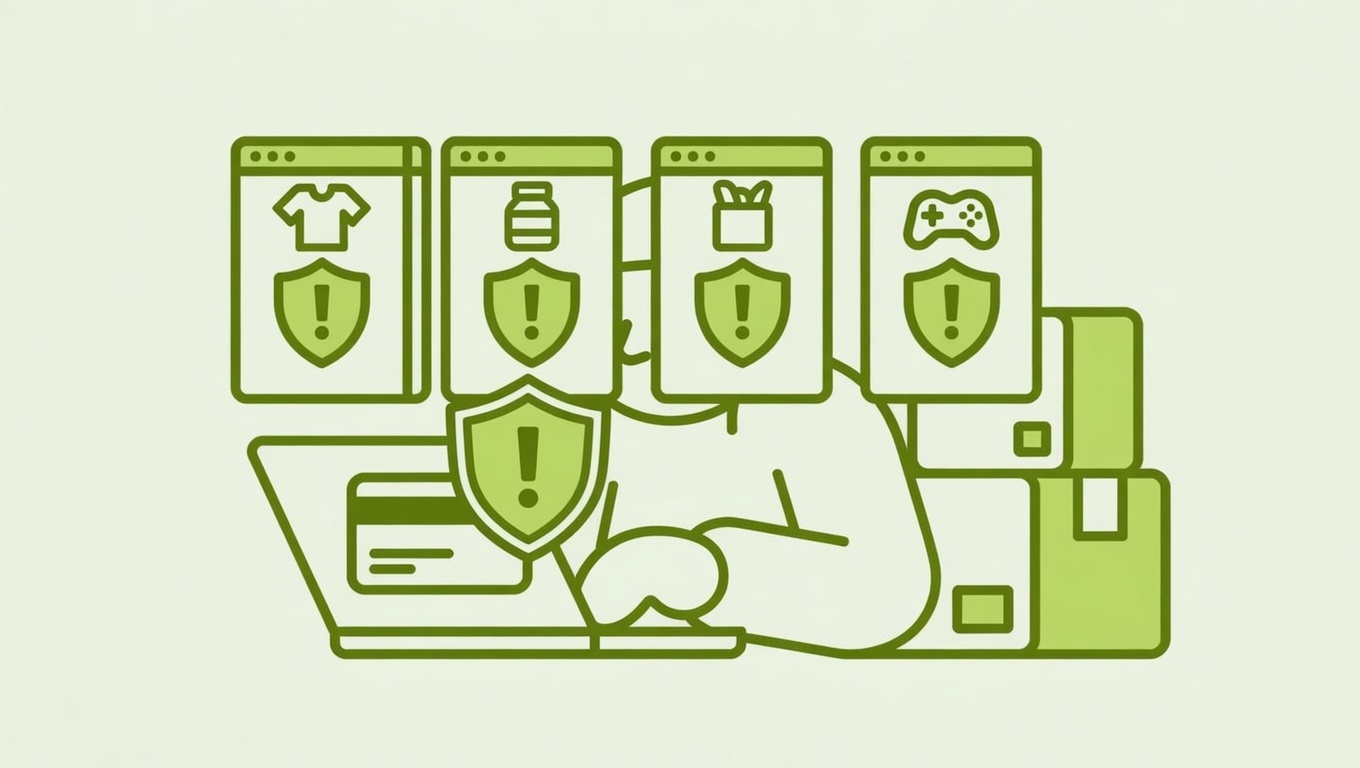

Imagine this: you received a completely wrong item from an online store. You spent months trying to resolve it directly with the merchant — no luck. So you finally did what your bank allows you to do: filed a chargeback. Completely legitimate. Then, a few days later, you try to buy from a totally different, unrelated Shopify store and… your payment gets rejected. Same card, different site, same problem.
So what’s actually going on here? Is Shopify running a cross-store blacklist on buyers who file chargebacks?
The short answer is: not exactly — but the way Shopify’s fraud detection works means that a chargeback can absolutely raise red flags that follow your payment information across the platform. Here’s what merchants and buyers should understand.
Shopify’s Fraud Detection Is Network-Wide
Shopify doesn’t maintain a simple “banned buyer” list that blocks you from every store on the platform. What it does have is a sophisticated, shared fraud detection system.
Shopify’s fraud analysis tools check signals like billing address, IP address, CVV validation, and whether a credit card has been flagged before — and these checks are informed by activity across all Shopify stores, not just the one you’re shopping at. According to Shopify’s documentation, fraud recommendations are powered by machine learning algorithms trained on historical transactions across all Shopify stores.
Critically, Shopify also runs what’s called Network Intelligence: it scans its ecosystem to see if the email address, shipping address, or credit card used at a store’s checkout has been flagged for fraud on other occasions. This shared intelligence allows Shopify to flag known bad actors even when they’re targeting a store for the first time.
The result? If your payment card was associated with a chargeback — even a completely valid, buyer-protecting one — it may now carry a risk signal that shows up when you try to check out elsewhere on the platform.
Important: Filing a chargeback is a legitimate right. But from a fraud-detection algorithm’s perspective, a card linked to a dispute can look the same as one used in friendly fraud — at least initially.
What Merchants Actually See
When an order comes through on a Shopify store, every transaction gets a fraud risk score. Shopify’s fraud analysis flags orders as low, medium, or high risk, and merchants can see these indicators directly in their Orders dashboard. A yellow or red flag means the merchant is being warned to review before fulfilling.
If your card or email is associated with prior chargeback activity — regardless of who was at fault — there’s a real chance that risk score gets elevated on future orders. Merchants can then choose to cancel, hold, or request verification on high-risk orders. Some will do so automatically.
Beyond Shopify’s built-in tools, many merchants install third-party apps that go even further:
- Apps like
Bloxspecifically flag customers who have issued chargebacks on other stores, not just the merchant’s own - IP-blocking apps can restrict checkout access from specific addresses associated with flagged activity
- Some apps use device fingerprinting — analyzing browser version, OS, and screen resolution — to catch repeat offenders who switch email addresses
This means the blocking isn’t always coming from Shopify itself. It may be coming from a third-party app a merchant installed, using shared chargeback data from across the Shopify ecosystem.
The Difference Between Fraud and a Legitimate Dispute
This is where the system has a real flaw, and it’s worth naming it clearly.
Chargebacks exist to protect buyers. When a merchant ships the wrong product, ignores refund requests, or goes silent — the chargeback process is the intended remedy. Banks and card networks built this into the system for exactly that reason.
But automated fraud detection doesn’t always distinguish between:
- A buyer who received the wrong item and filed in good faith after months of failed resolution
- A fraudster who made a purchase with intent to dispute it from the start
From a risk-scoring algorithm’s view, both result in the same signal: a card linked to a chargeback.
Pro tip: If your payment is being declined on Shopify stores after a legitimate dispute, your best move is to contact your bank or card issuer. Explain the situation and ask whether your card has been flagged at the network level. In some cases, a new card number resolves the issue entirely.
What Merchants Should Take Away From This
If you’re running a Shopify store, this situation is a good reminder of a few things:
Your fraud tools can flag innocent buyers
Not every customer with a chargeback history is a fraudster. Some are legitimate buyers who were burned by a bad merchant and had no other recourse. Before auto-canceling or blocking based on a fraud signal, it’s worth reviewing the specifics of the order.
Shopify’s own documentation notes that fraud analysis indicators should be used to investigate orders — not as an automatic trigger to block customers outright.
Chargebacks hurt your store, even when you’re not at fault
Every chargeback carries real costs. The disputed amount is taken from your next payout immediately, and your payment processor charges a fee on top of that. More importantly, Shopify Payments sets a chargeback-to-transaction threshold at 1% — exceed that, and your account can be suspended or terminated.
This is exactly why maintaining clear communication, easy refund paths, and accurate product listings is so important. A bad product description or slow response to a complaint is often the first link in the chain that leads to a chargeback.
Respond to every chargeback with evidence
If a buyer disputes an order — even one you believe is fraudulent — always respond through Shopify admin → Orders → [Order] → View chargeback. Provide tracking numbers, delivery confirmation, product photos, and any correspondence. Shopify’s help center notes that the card issuer reviews this evidence and can resolve the dispute in your favor.
The Broader Picture
Shopify’s fraud detection is genuinely powerful — and that’s mostly a good thing for merchants. The network-wide intelligence helps catch known bad actors before they can hit your store. But it’s an imperfect system that sometimes catches legitimate buyers in its net.
For buyers: if you’ve been blocked after a valid chargeback, the issue is most likely tied to your card’s risk profile in Shopify’s network, or a merchant’s third-party fraud app. Contact your bank, and consider whether requesting a new card number might clear the slate.
For merchants: use fraud signals as one input among many, not as an automatic judgment. A blocked checkout doesn’t always mean a fraudulent customer — and sometimes the best fraud prevention is simply great customer service before a dispute ever gets filed.